How to enable Online Awareness in your Lotus Notes Client after Sametime upgrade
Many customers are upgrading their pre 8.5 Sametime environments to 8.5.x Versions and therefore have to change the directory lookups to LDAP.
(If you already used LDAP lookups just ignore this post.)
Unfortunately online awareness for hierarchical names will not work anymore in the Lotus Notes Client (still works for email addresses):
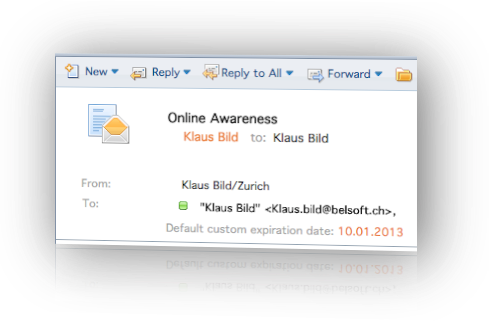
This is because the hierarchical name is not a “standard” lookup field. If you use Domino as LDAP server the displayname field will be your hierarchical name and you have to add it to the LDAP lookup.
To do this open up your Notes Client with the Sametime Admin ID and connect to the Sametime configuration DB (stconfig.nsf).
Now open up the LDAP config doc and add (displayname=%s*) to the user search filters:

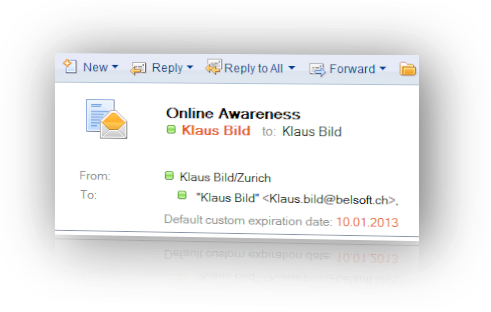
Save the file, restart you community server and recheck online awareness in your Notes Client. Now you should see online awareness for hierarchical names working again.
Comments/remarks very welcome.